


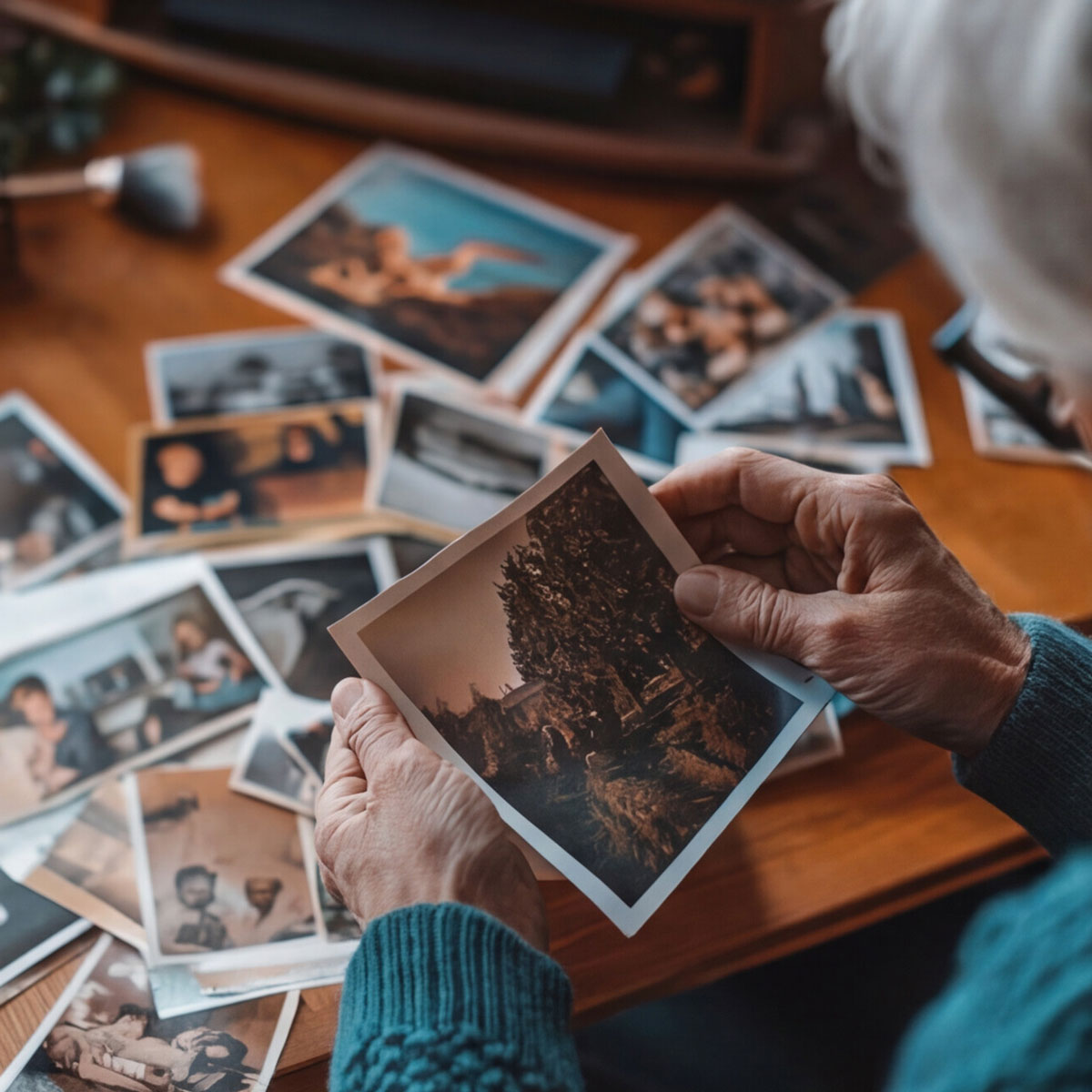
Organizing family photos can be one of the most meaningful parts of downsizing or preparing for a move. It can also feel overwhelming.
Photos are tied to people, places, memories, and seasons of life. For seniors and their families, sorting through old pictures is not just about clearing space. It is about honoring a life, preserving what matters, and creating a system that makes those memories easier to enjoy.
And here is a helpful surprise: one of the best tools for separating old photos may already be in your bathroom drawer. Dental floss.
When old photos stick together because of humidity, age, or those sticky magnetic albums from the 1980s, do not reach for the scissors. Unwaxed dental floss can gently slide between stuck photos and help separate them without tearing the pictures.
No damage. No drama.
Why Photo Organizing Matters During Downsizing
When someone is moving, downsizing, or simplifying their home, photos often become one of the hardest categories to handle.
Unlike regular household items, photos carry emotional weight. They remind us of family, friends, vacations, weddings, childhood, homes, and special moments. That is why organizing them takes patience.
The goal is not perfection. The goal is to make the collection easier to manage, easier to share, and easier to preserve.
How Do You Start Organizing Old Photos?
The hardest part is often not the sorting. It is starting.
Many people think they need an entire weekend, a large empty table, special storage containers, or a perfect plan before they begin.
You do not.
Start small. Choose one shoebox, one drawer, one album, or even just 20 photos. Set a timer for 20 minutes. When the timer goes off, stop.
Consistency beats intensity every time.
At the beginning, focus on separating, not fully organizing. Lay photos out in loose rows instead of stacked piles. Think of it as creating breathing room between the memories.
Once the pressure is gone, momentum usually builds.

What Photos Can You Let Go Of?
Letting go of photos can feel emotional, but it can also be freeing.
You can confidently remove:
- Blurry or out-of-focus photos
- Duplicates
- Accidental photos
- Pictures of people you no longer recognize
- Multiple nearly identical photos of the same moment
A helpful way to think about this is: you are not throwing away memories. You are removing clutter so the real memories can shine.
When everything is kept, nothing stands out. When photos are thoughtfully curated, the most meaningful ones become easier to find, enjoy, and share.
Start with the easy decisions first. That builds confidence before you move into the harder ones.
What Supplies Do You Need to Organize Photos?
You do not need fancy tools or a large budget to begin. A few simple supplies can make the process safer and easier.
Helpful supplies include:
- A clean, flat surface
- Space for small sorting piles
- Photo-safe pens or pencils
- Sticky notes or index cards
- Archival-quality photo boxes or albums
- Clear archival photo sleeves or photo storage envelopes
- A soft cloth for dust
- Unwaxed dental floss for stuck photos
- A trashcan
Remember: tools do not organize photos. Decisions do.
What Is the Best Way to Organize Family Photos?
There is no single correct system. The best system is the one you can maintain.
Start with broad categories and stay flexible as you go. Often, the best system becomes clear once you begin sorting.
You might organize photos by:
Time Period
Group photos by year, decade, or life stage, such as childhood, early marriage, family vacations, or retirement years.
Person
Create categories for each family member. This can be helpful if you plan to share photos later.
Event or Theme
Group photos by weddings, holidays, school years, travels, family homes, or special celebrations.
Pick one method and try to stay with it. Mixing too many systems can create confusion later.
The real goal is retrievability. If you can find a photo when you want it, the system works.

Can These Tips Work for Digital Photos Too?
Yes. While these tips focus on physical photos, many of the same ideas can be used for digital photos stored on a phone or computer.
Start small. Delete duplicates. Remove blurry or accidental images. Create simple folders by year, person, event, or theme.
Whether photos are printed or digital, the goal is the same: make the memories easier to find and enjoy.
Preserving and Displaying Cherished Memories
Photo organizing can bring up many emotions. As you sort, you may be reminded of people, places, and important life moments. Give yourself time.
This process is not just about organizing pictures. It is about creating a source of nostalgia, connection, and belonging.
Once your photos are sorted, you may also want to preserve them through scanning, photo-safe storage, albums, or display pieces.
At Sisters Moving Seniors, we have national industry partners who specialize in scanning services for photos, tapes, scrapbooks, and other keepsakes. We can help seniors, families, and clients explore options to make sure cherished memories are thoughtfully organized and preserved.
Final Thought
Organizing photos is really about honoring your life, not being buried by it.
Start gently. Separate slowly. Keep what matters most. Let go of what does not.
And if a few photos are stuck together along the way... you know where to find the floss.